Making machine learning kid-friendly
Designing PictoBlox’s ML environment
Timeline: 2 months
My Role: UX Design
Product: PictoBlox
Context
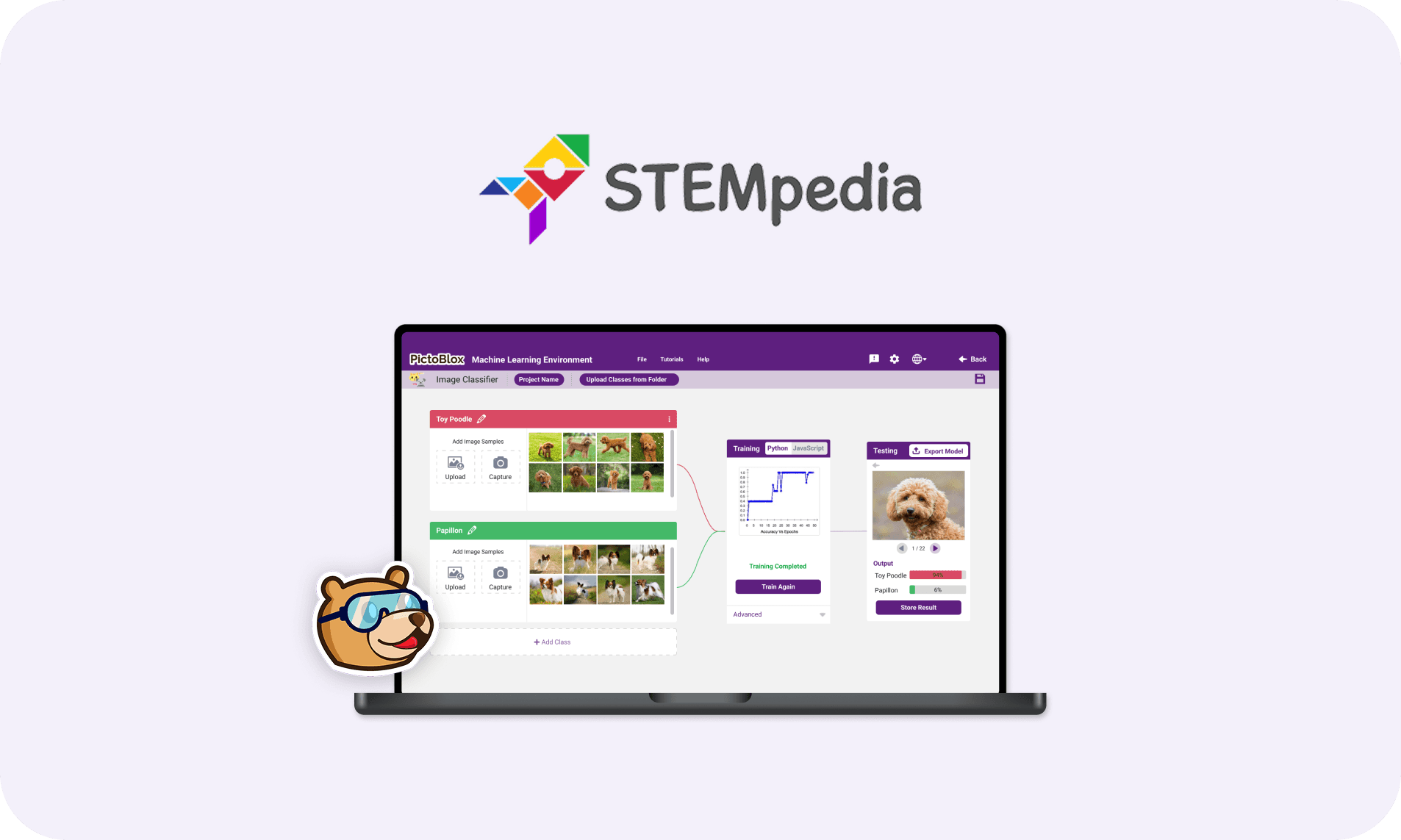
PictoBlox is a visual programming platform built for students to learn coding, robotics, and AI. During my internship with STEMpedia, the team was expanding the platform to include a new Machine Learning environment. The goal was to enable young learners to train and use models like image classifiers, sound recognizers, and pose detectors without writing any code.
Responsibilities
User Interface Design
Designed the entire ML environment to feel friendly, focused, and frustration-free.
User Flow Definition
Defined clear, step-by-step flows to guide young learners through complex tasks.
Visual Design
Created icons and graphics that fit STEMpedia’s playful and educational brand.
Developer Collaboration
Coordinated with developers to ensure designs were technically feasible
The challenge
How do you make complex ML concepts feel simple and engaging for kids?
Find specific rooms or services
Navigate from one spot to another
Interpret color-codes and signage
Breaking down the ML workflow
I started by mapping the full ML workflow from data collection to model deployment, then restructured it visually into digestible steps that build confidence as users progress.
Wireframing the experience
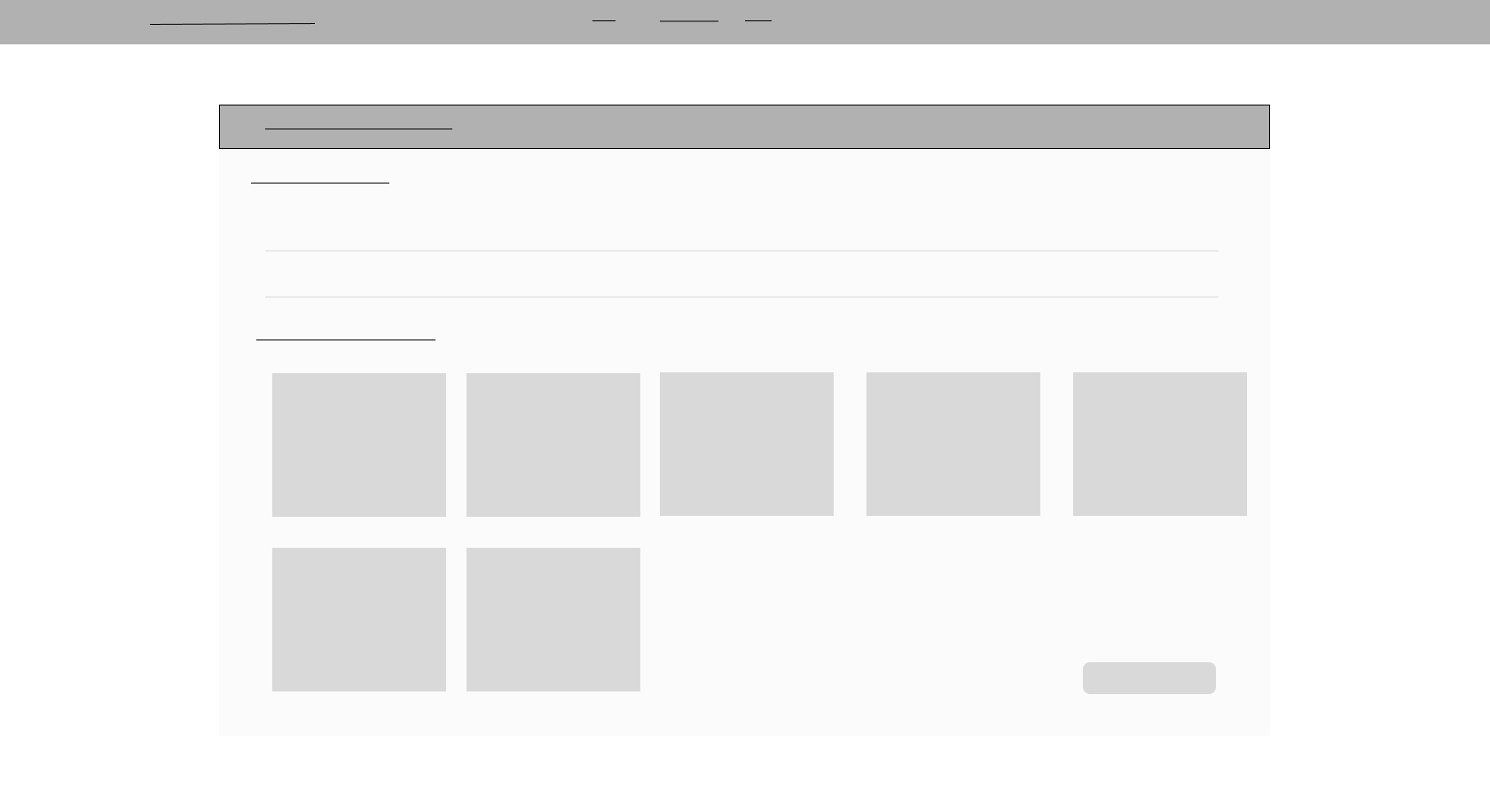
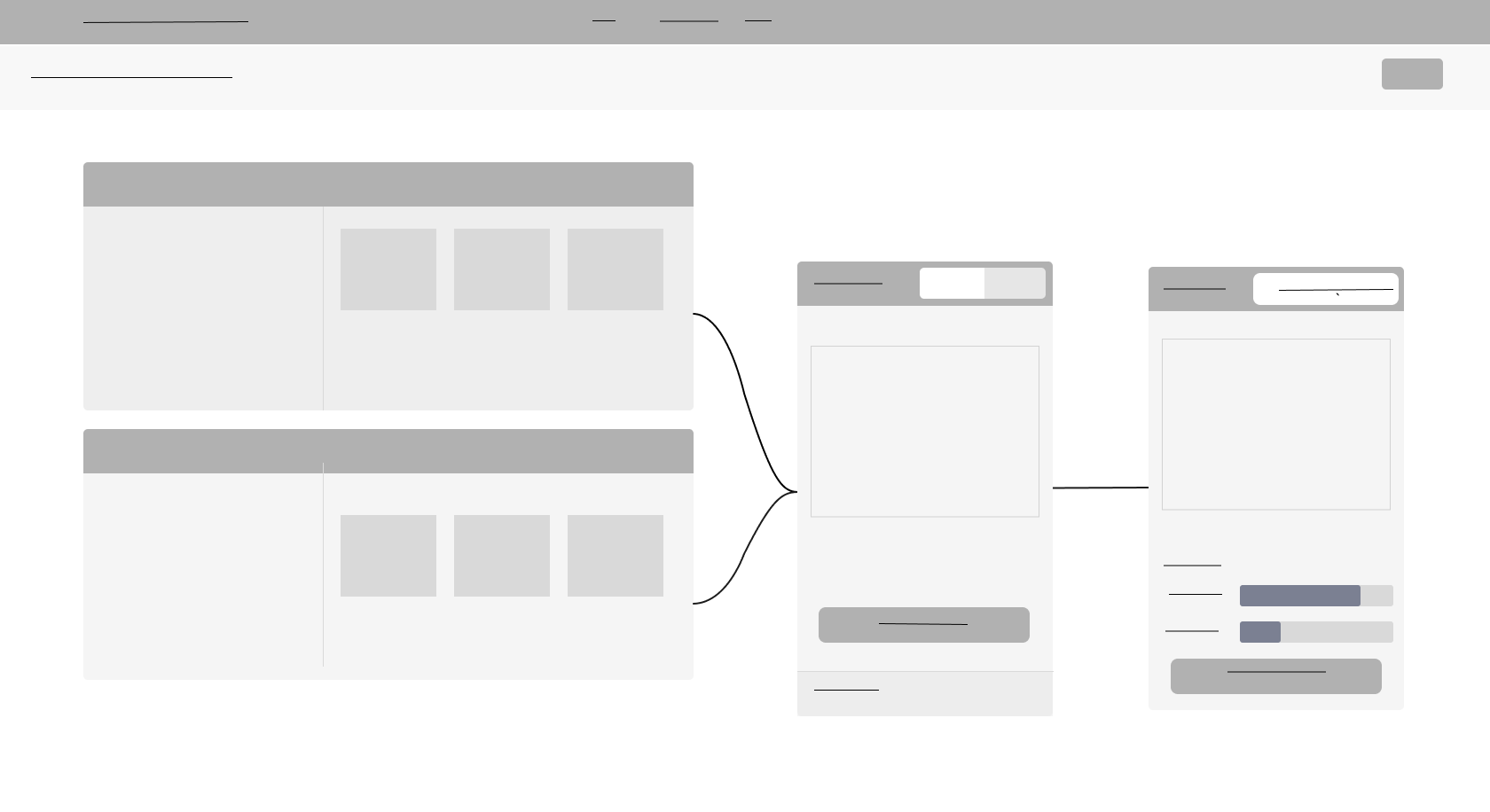
To make each step feel approachable, I designed wireframes using a card-based layout. Each card focused on a single task with clear actions and visual feedback. This modular setup made the process feel less overwhelming and more like a series of small, doable steps.
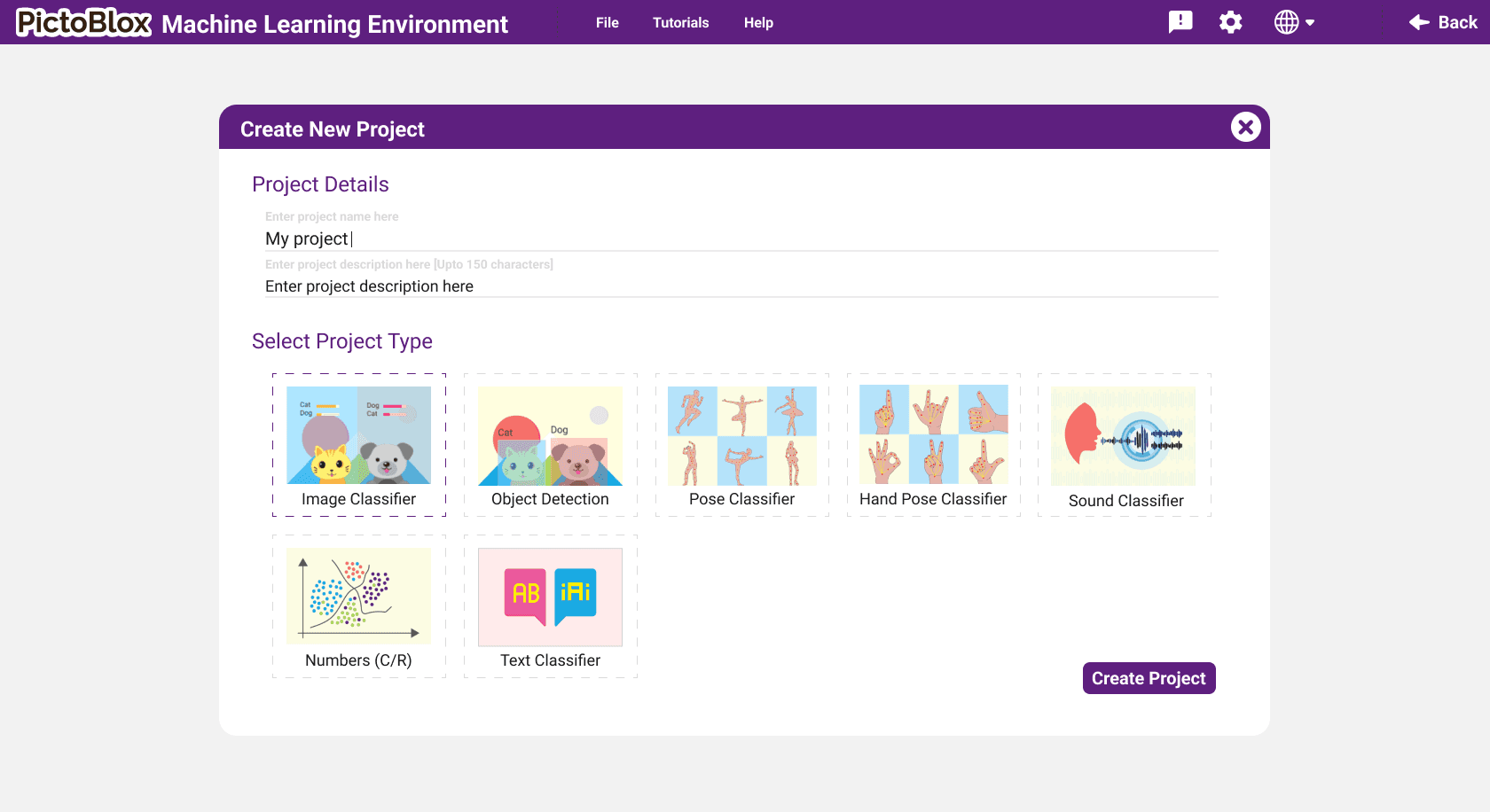
Creating a project
User starts by selecting a project type and enters project details like project name and description.
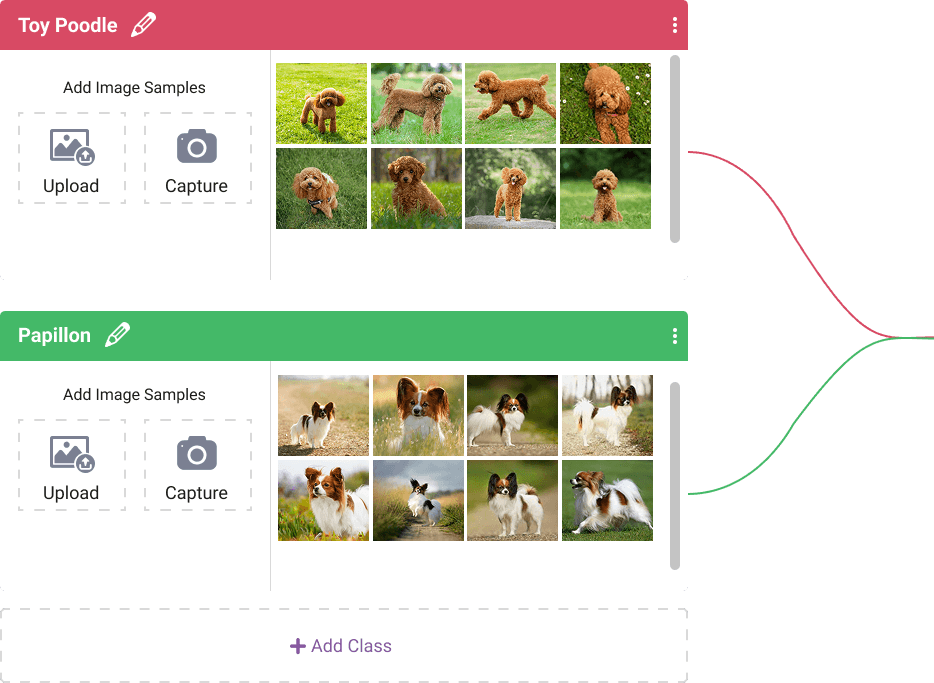
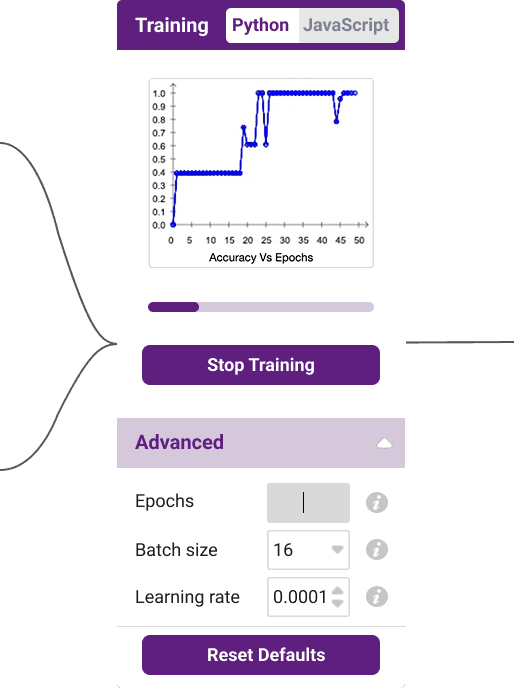
Training the model
Users can add various classes and sample data for training, and then proceed to train and test the model in a stepwise manner.
Design system & visual language
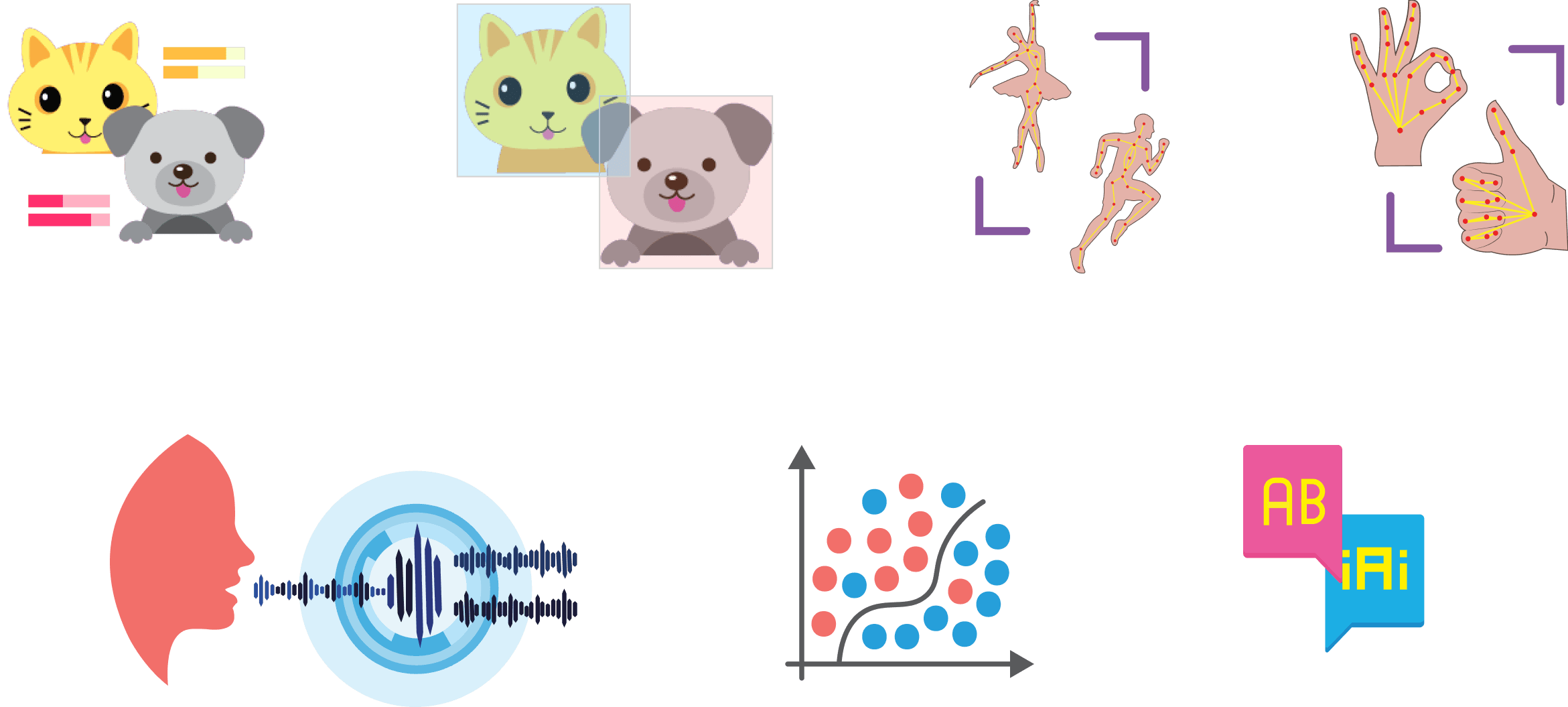
Once the structure was in place, I added visual design. I used STEMpedia’s brand colors and created custom graphics to match the platform’s playful, educational style while keeping everything functional and easy to scale.
Iconography
The final UI
Project dashboard
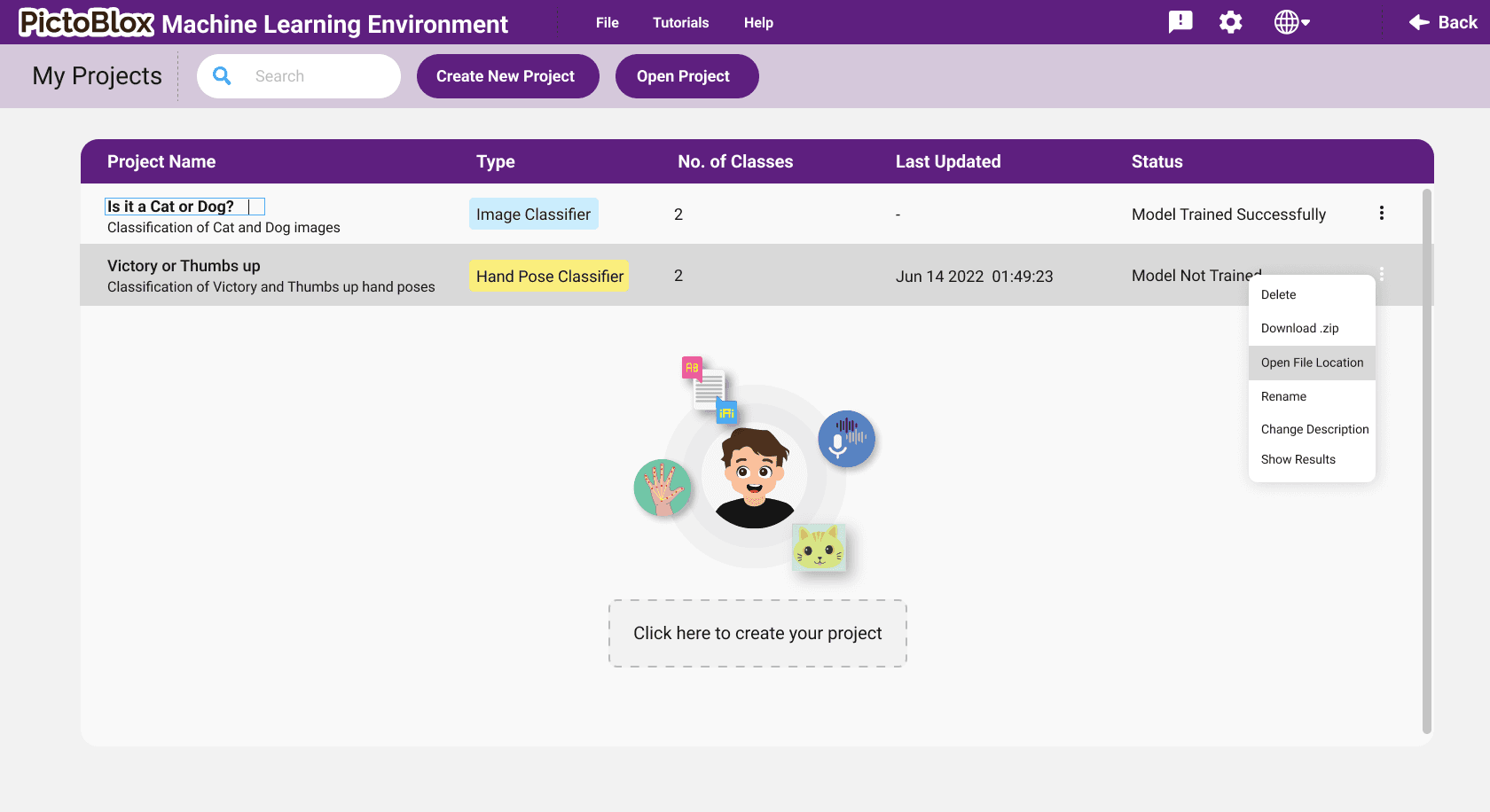
Central hub for managing ML projects with clear navigation and project status indicators.
Create new project
Simple interface to select project type and enter project details like project name and description.
Data collection
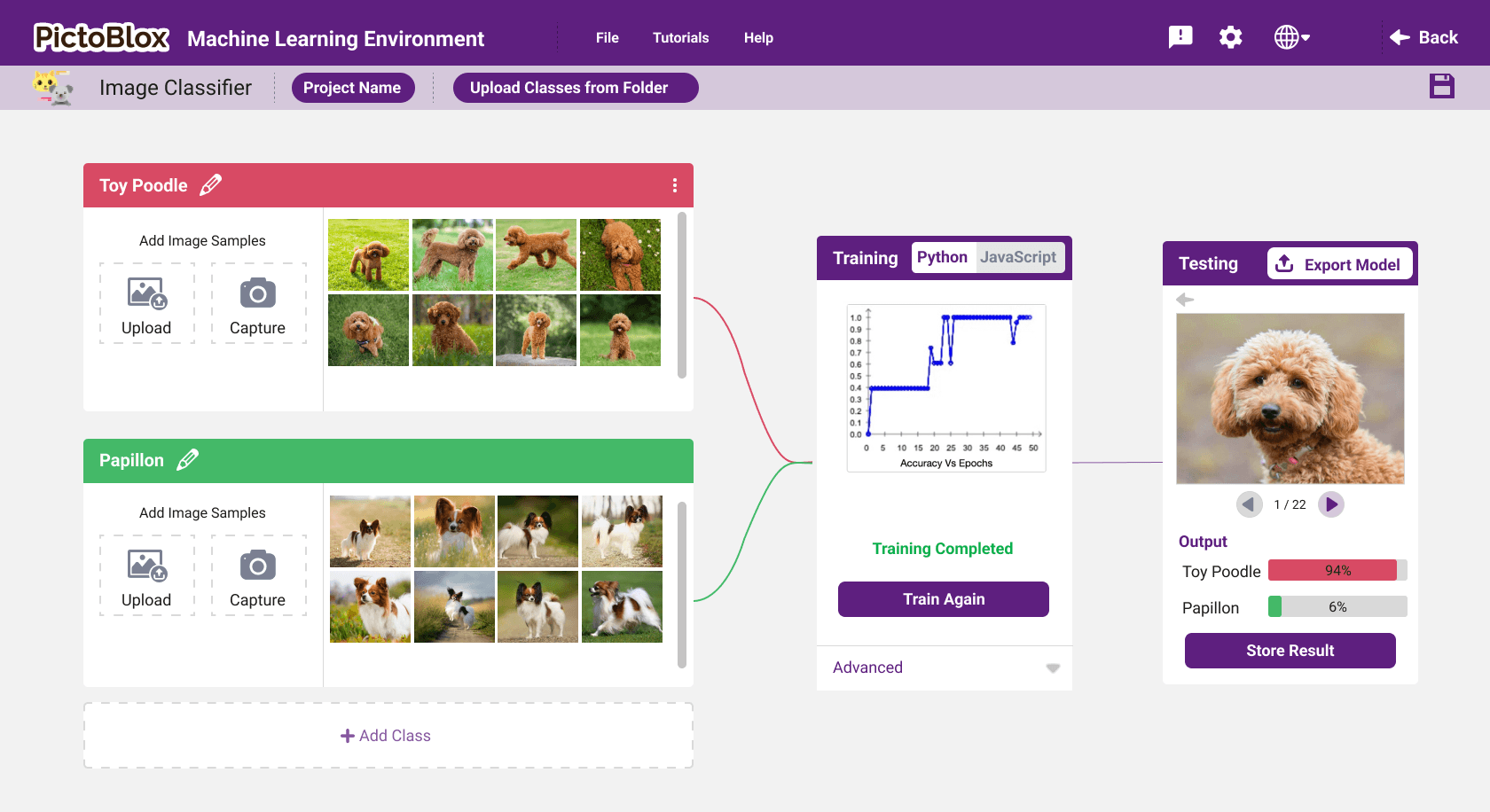
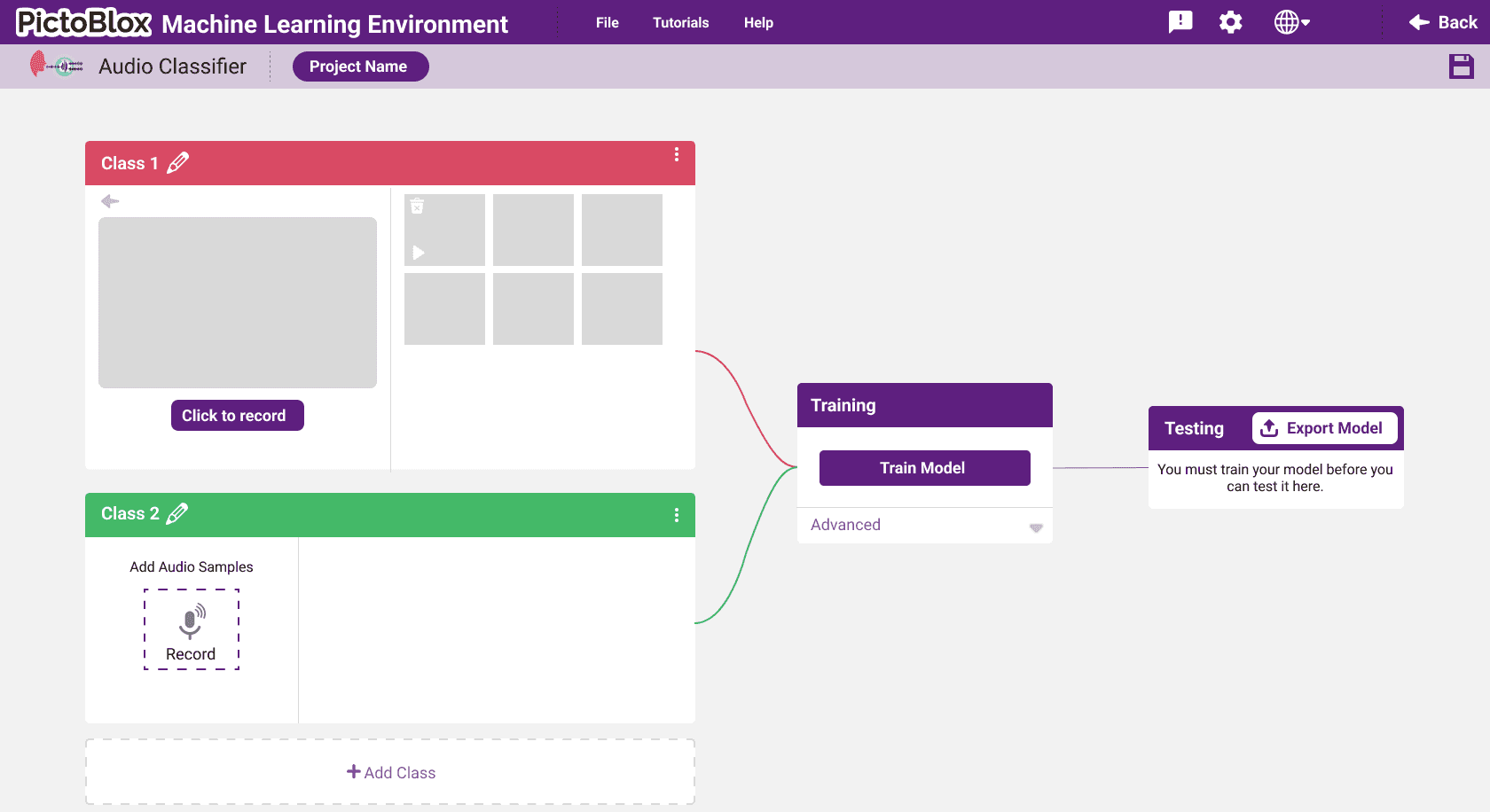
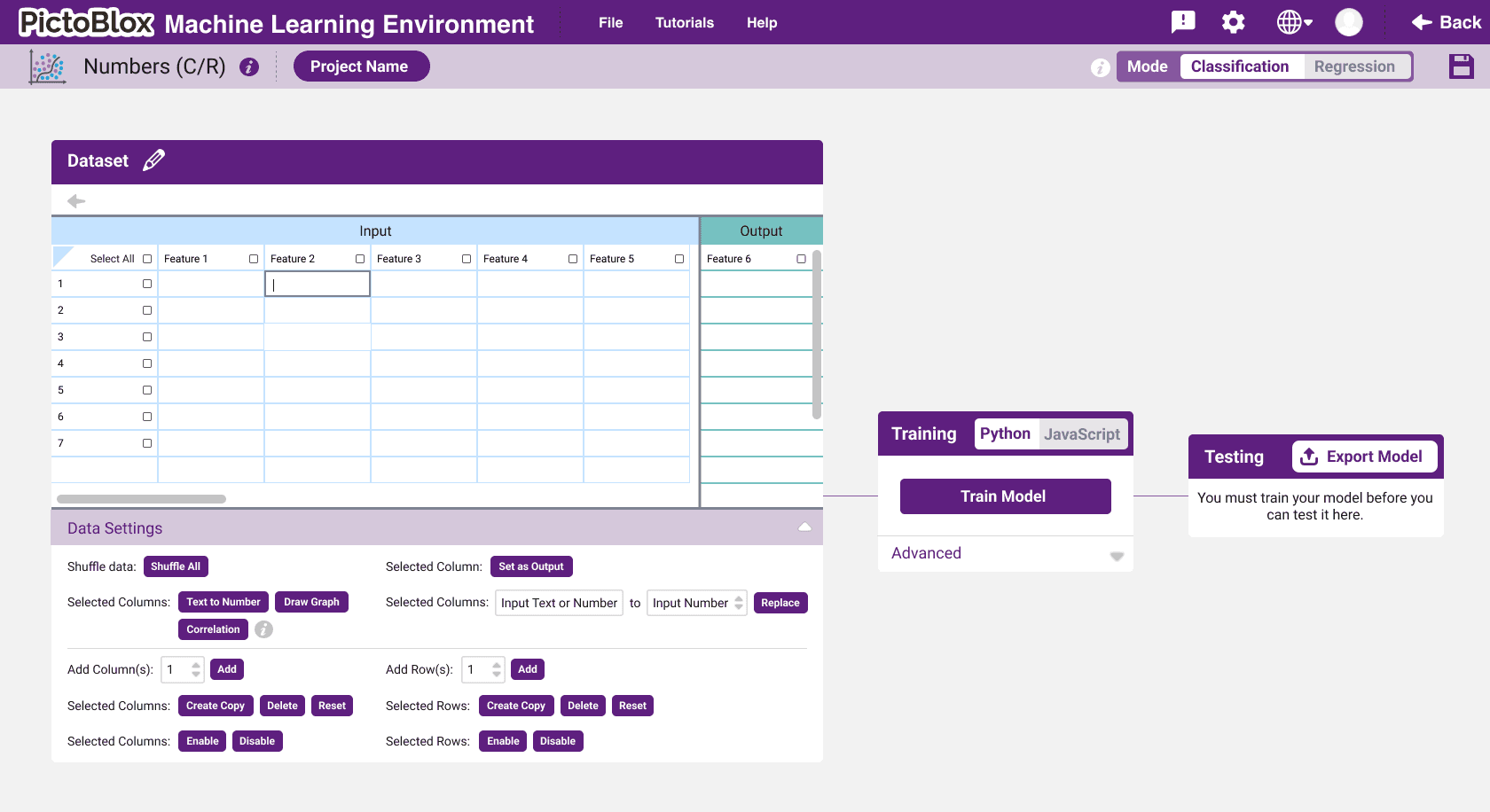
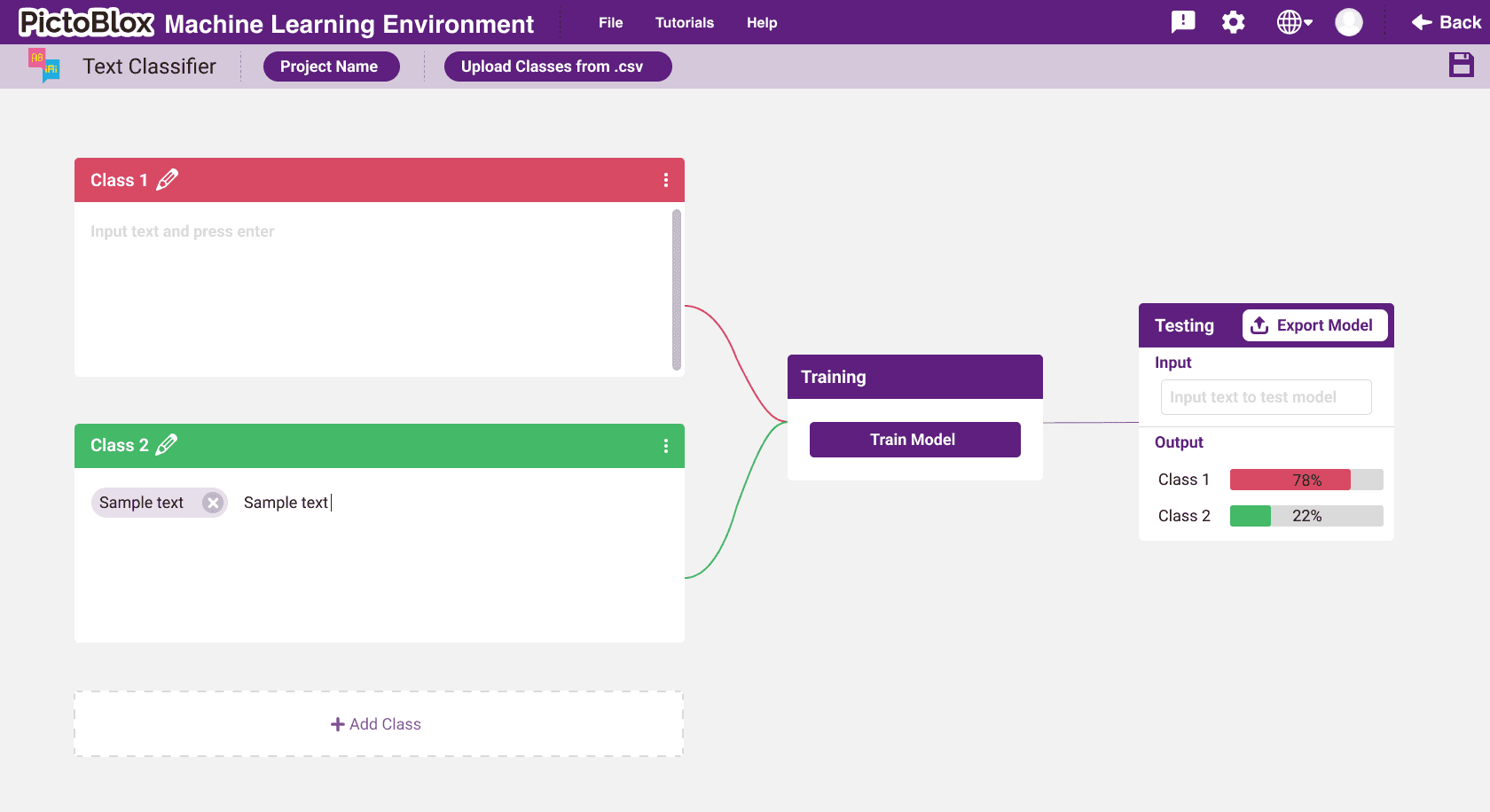
Card-based layout for each class, with built-in data input methods like webcam, mic, and text.
Model training
Visual feedback during model training with progress indicators and advanced settings.
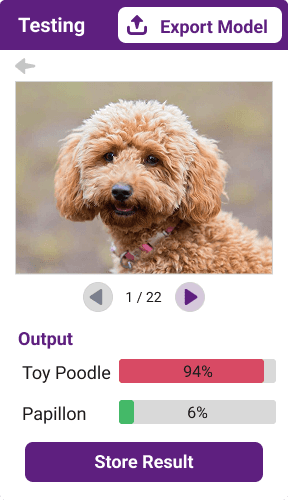
Model testing
Interactive view to try out trained models and export them into PictoBlox coding blocks.
Platform launch & impact
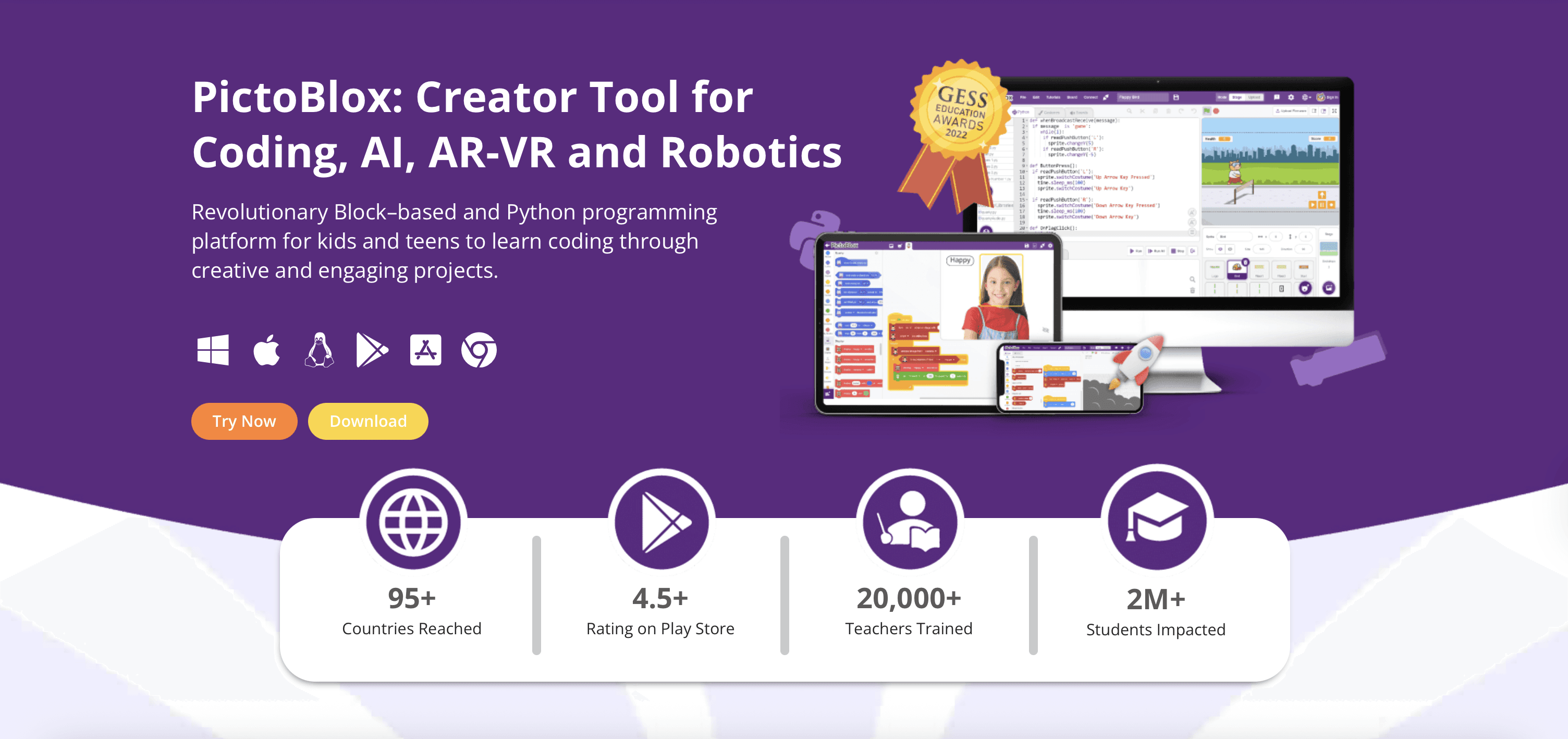
The ML environment was successfully launched and integrated directly into PictoBlox after beta testing. The feature is now live on STEMpedia's platform and has become a core part of their educational offering.
Check it out!
Pictoblox.ai
It has helped over 2 million users interact with core AI concepts, making machine learning accessible without requiring an understanding of the technical complexity behind it. The intuitive interface has enabled students worldwide to build their first ML models and gain confidence in AI technologies.
What I learned
This project taught me how to design with technical constraints in mind, not against them. It pushed me to prioritize structure, clarity, and communication across every step of the process.
I learned that designing for kids means simplifying complex ideas without dumbing down. A well-structured interface can make advanced concepts feel intuitive.
And clear handoffs and documentation aren't just helpful, they’re essential in making sure the design decisions hold up in development.