PennyPal: Rethinking Budgeting for Students
Making personal finance simple, intuitive, and actually usable for college life
Timeline: 2 months
My Role: UX Research · Interface Design
Team: 4 members
Challenge
College students juggle a lot with very little financial cushion. I met students who were stressed, uncertain, and overwhelmed by budgeting. Most tools out there made them feel worse.
PennyPal was my attempt to shift that. The goal? Build something flexible, smart, and reassuring that would help students not just track spending, but feel okay doing it.
Solution
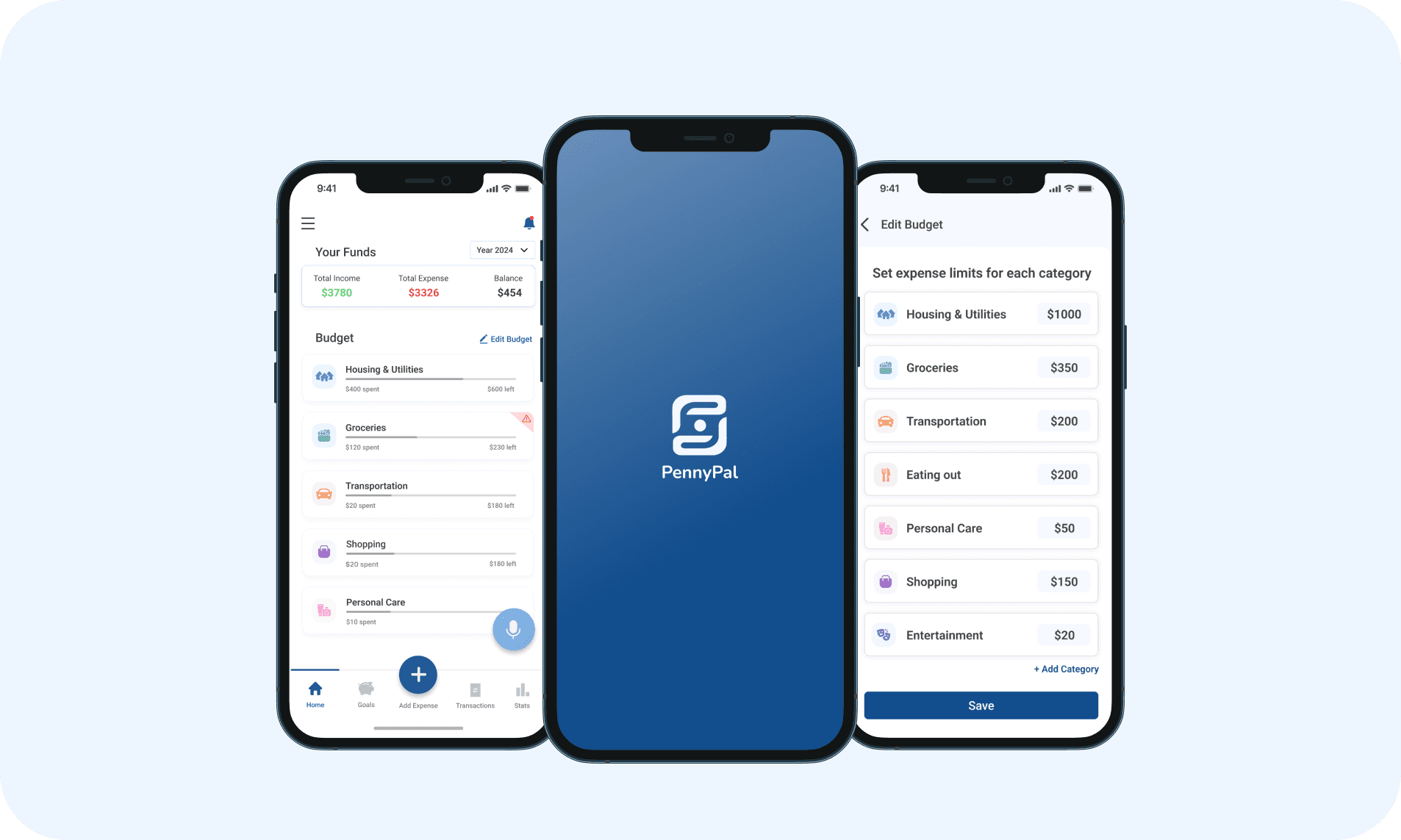
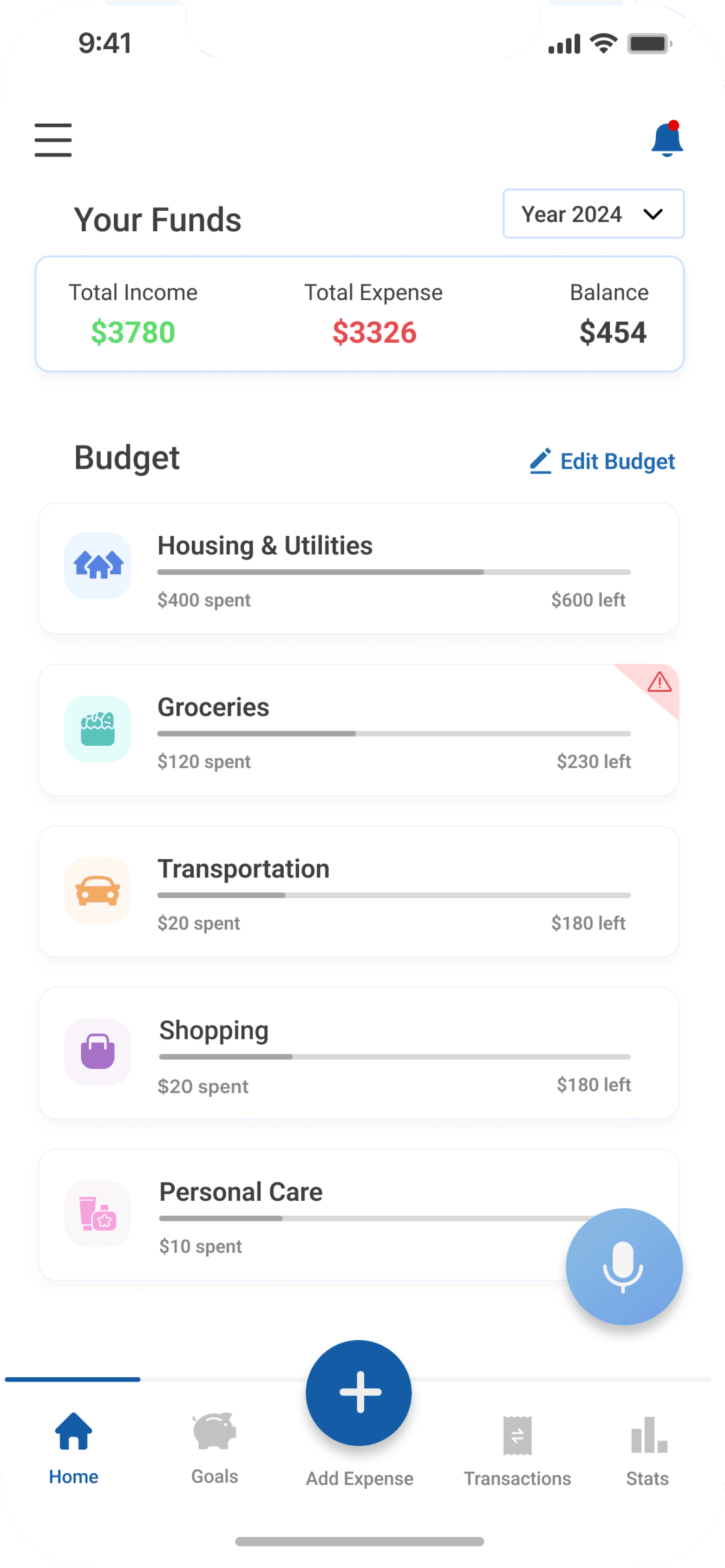
Housing & Utilities
$600 left
$400 spent
Groceries
$230 left
$120 spent
Transportation
$180 left
$20 spent
Shopping
$180 left
$20 spent
Personal Care
$10 spent
01
A dashboard that brings clarity
Users can see where their money was going, without hunting for it

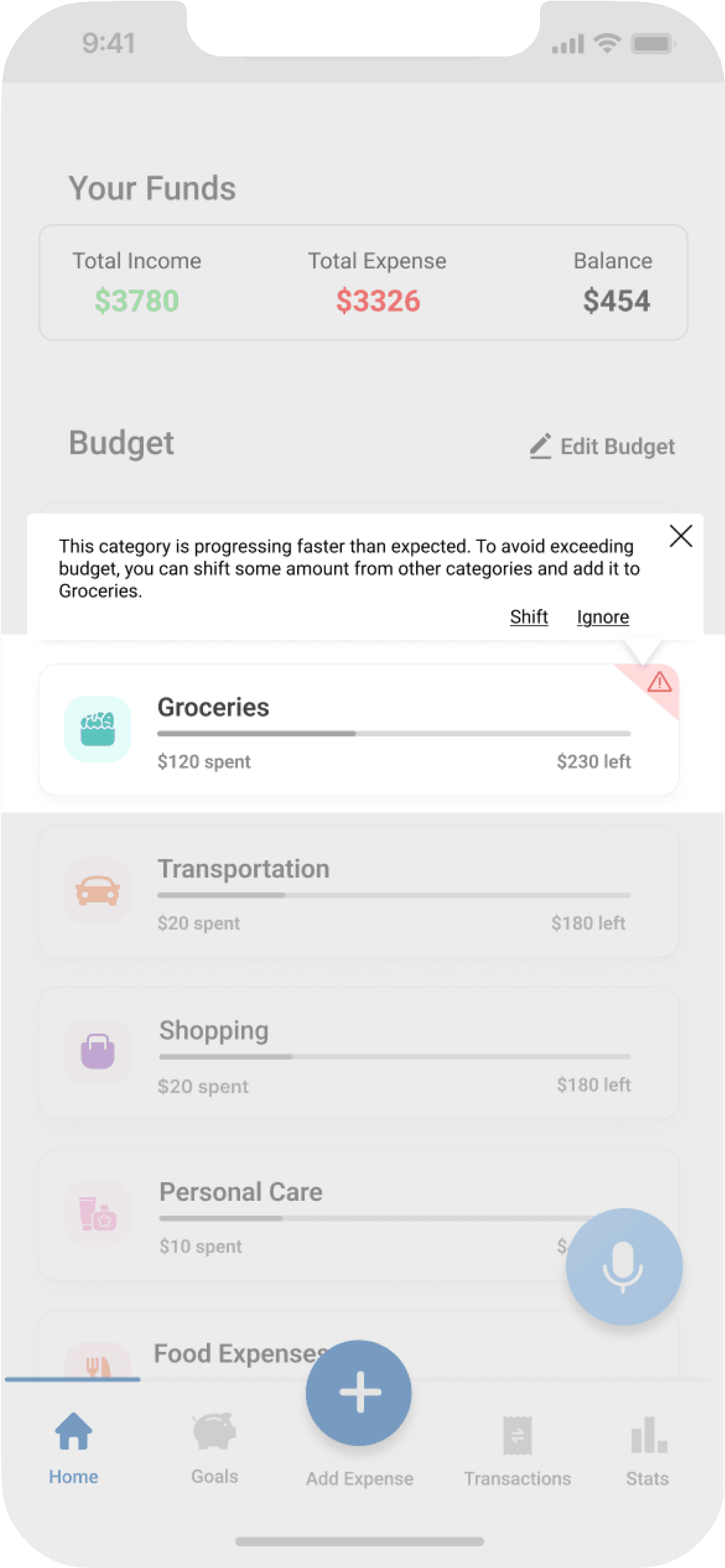
This category is progressing faster than expected. To avoid exceeding budget, you can shift some amount from other categories and add it to Groceries.
Shift
Ignore
Groceries
$230 left
$120 spent
02
Smart nudges that feel supportive
Gentle prompts to readjust budget when a category is spending rapidly
03
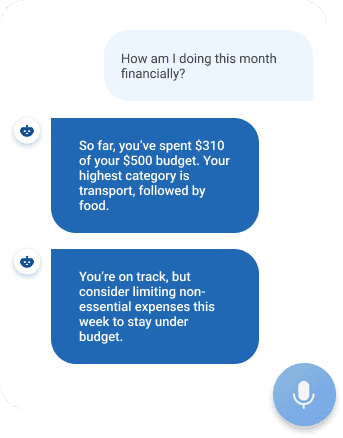
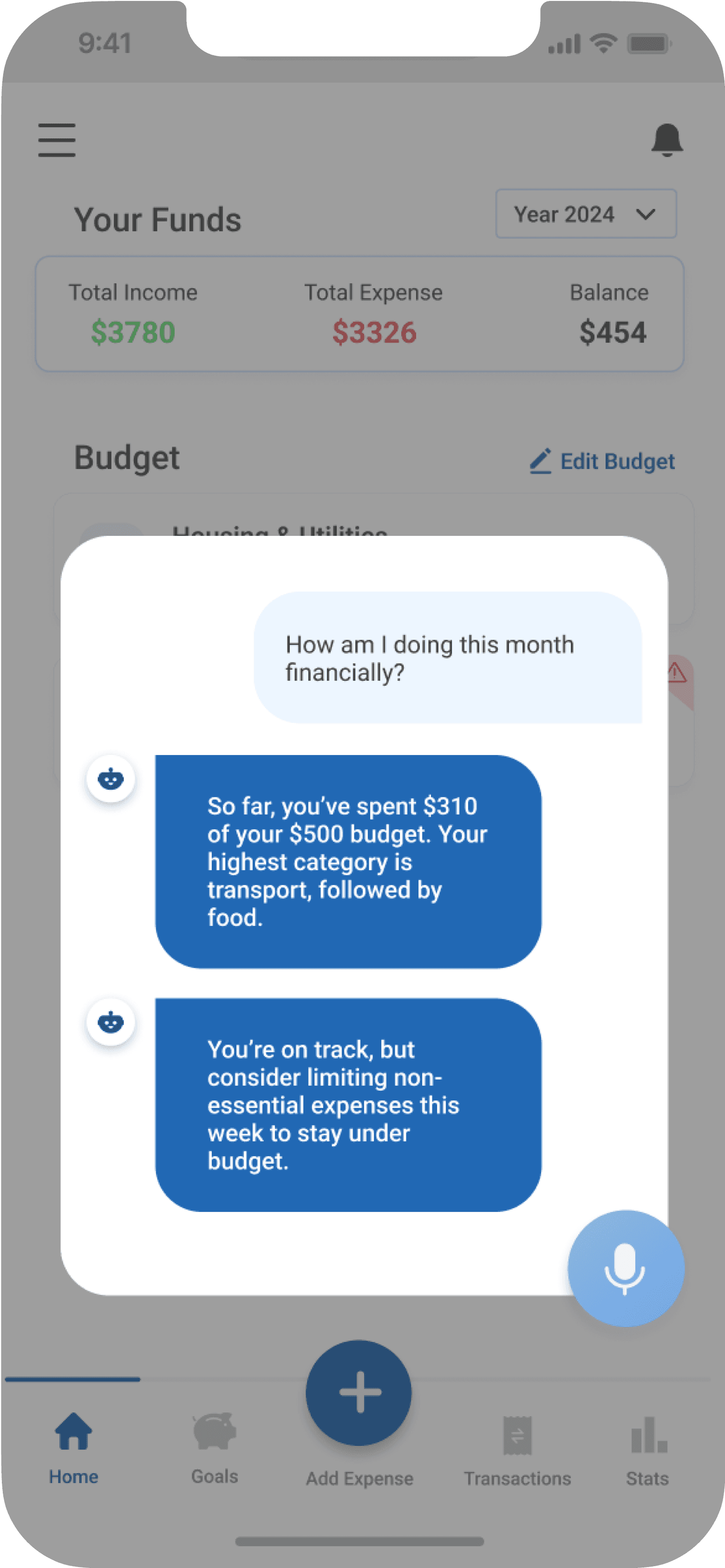
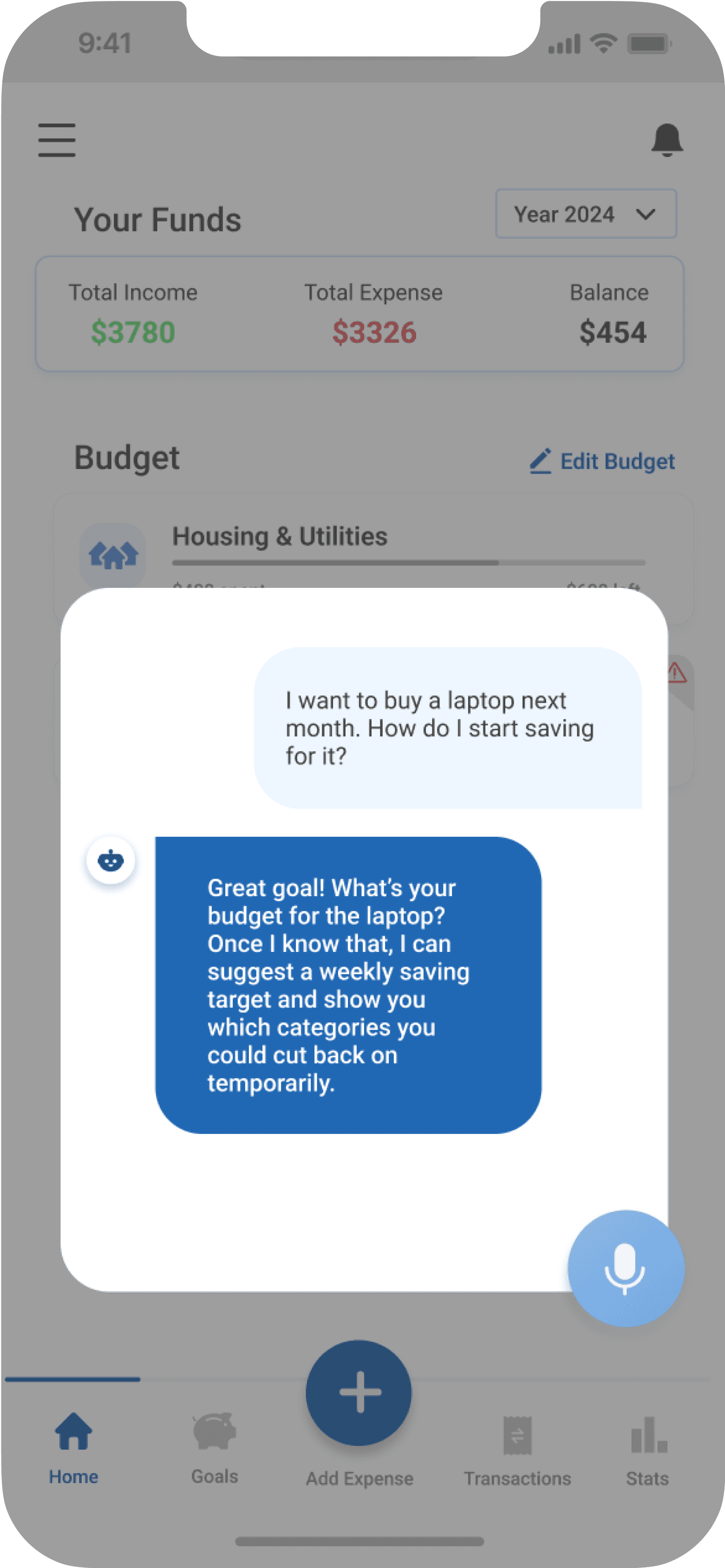
An AI assistant that makes life easier
Helps record transactions, learns from spending habits, and offers tips
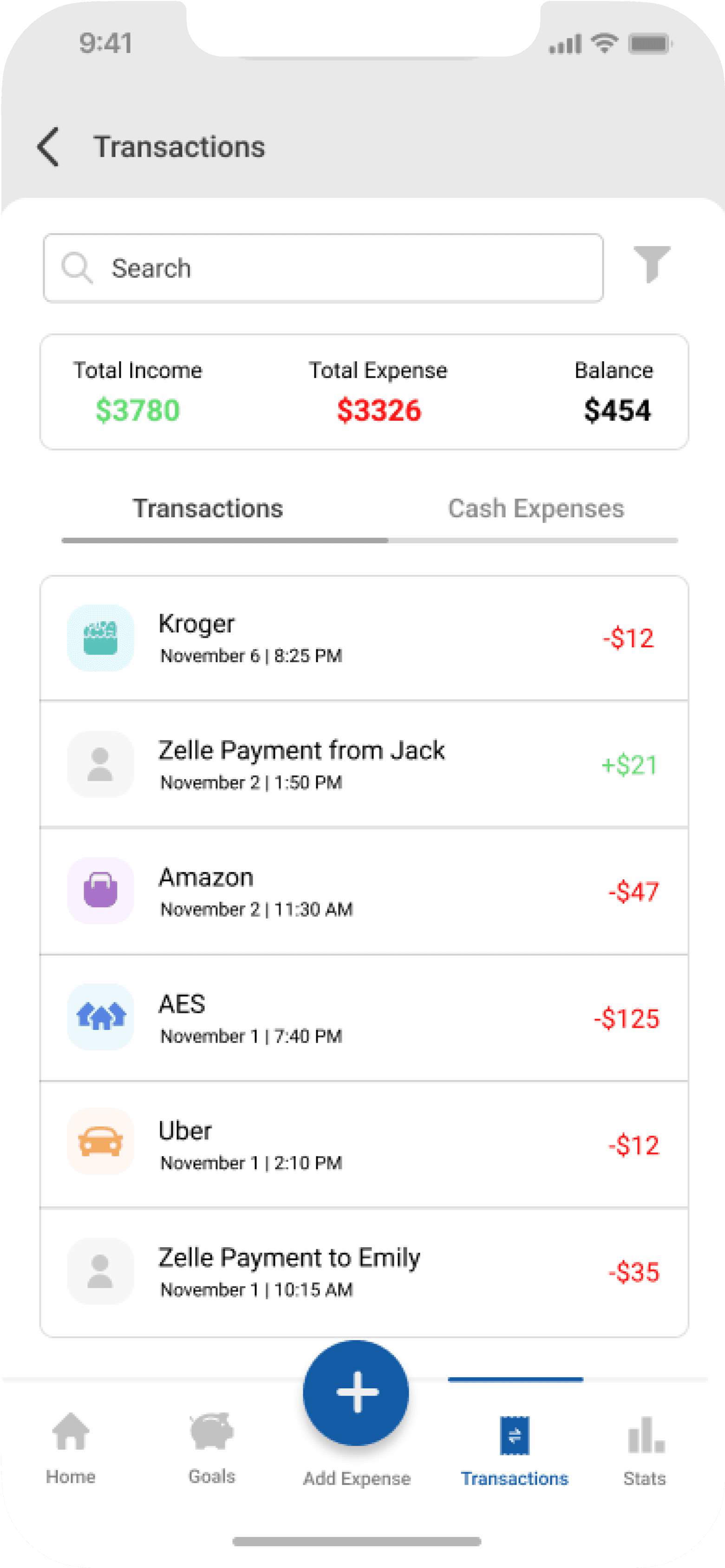
Uber
November 1 | 2:10 PM
-$12
AES
November 1 | 7:40 PM
-$125
Amazon
November 2 | 11:30 AM
-$47
Kroger
November 6 | 8:25 PM
-$12
Zelle Payment from Jack
November 2 | 1:50 PM
+$21
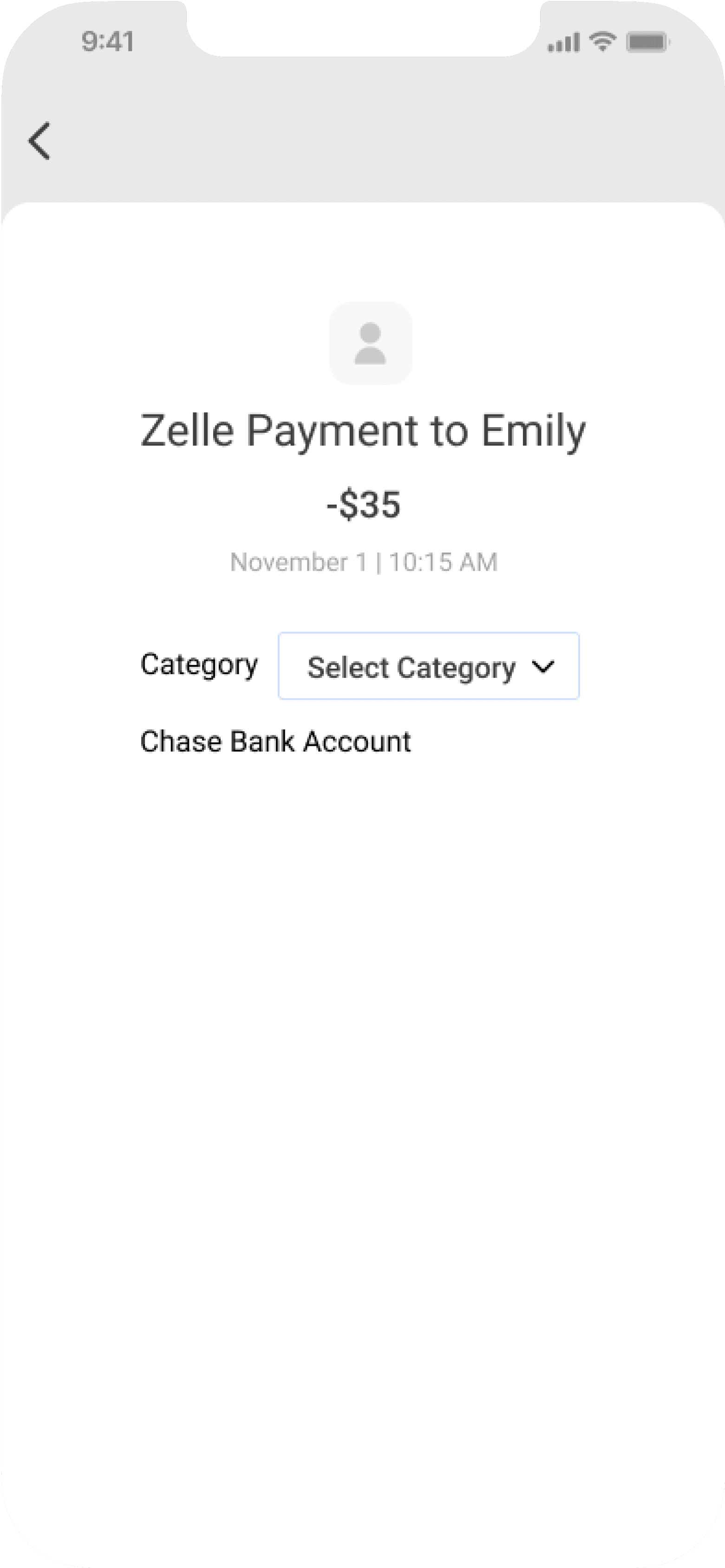
Zelle Payment to Emily
November 1 | 10:15 AM
-$35
04
Auto categorization that saves time
Gentle prompts to readjust budget when a category is spending rapidly
How did I get there?
It all starts by talking to the users...
I interviewed 20 students, undergrad, grad, and PhD, over two weeks. I wanted to hear it straight from them: what was hard about money, what they currently do (or don’t), and what would help.
“
I just check my balance every few days and hope it’s not too low.
“
Budgeting apps don't work for me. They're too much of a hassle and don't fit my student lifestyle.
“
Cash doesn’t feel like real money. I always forget to track it.
What came up again and again?
Who I was designing for
Not every student was the same, but a few core behaviors stood out. And, I built one key persona around them:
Mapping the budgeting journey
I mapped out a typical student’s current budgeting flow and analyzed where uncertainty shows up, where friction exists, and where design could help users feel a little more in control.

How might we
Reduce the friction of expense tracking for students while supporting flexible, adaptable budgeting?
Shaping the right features
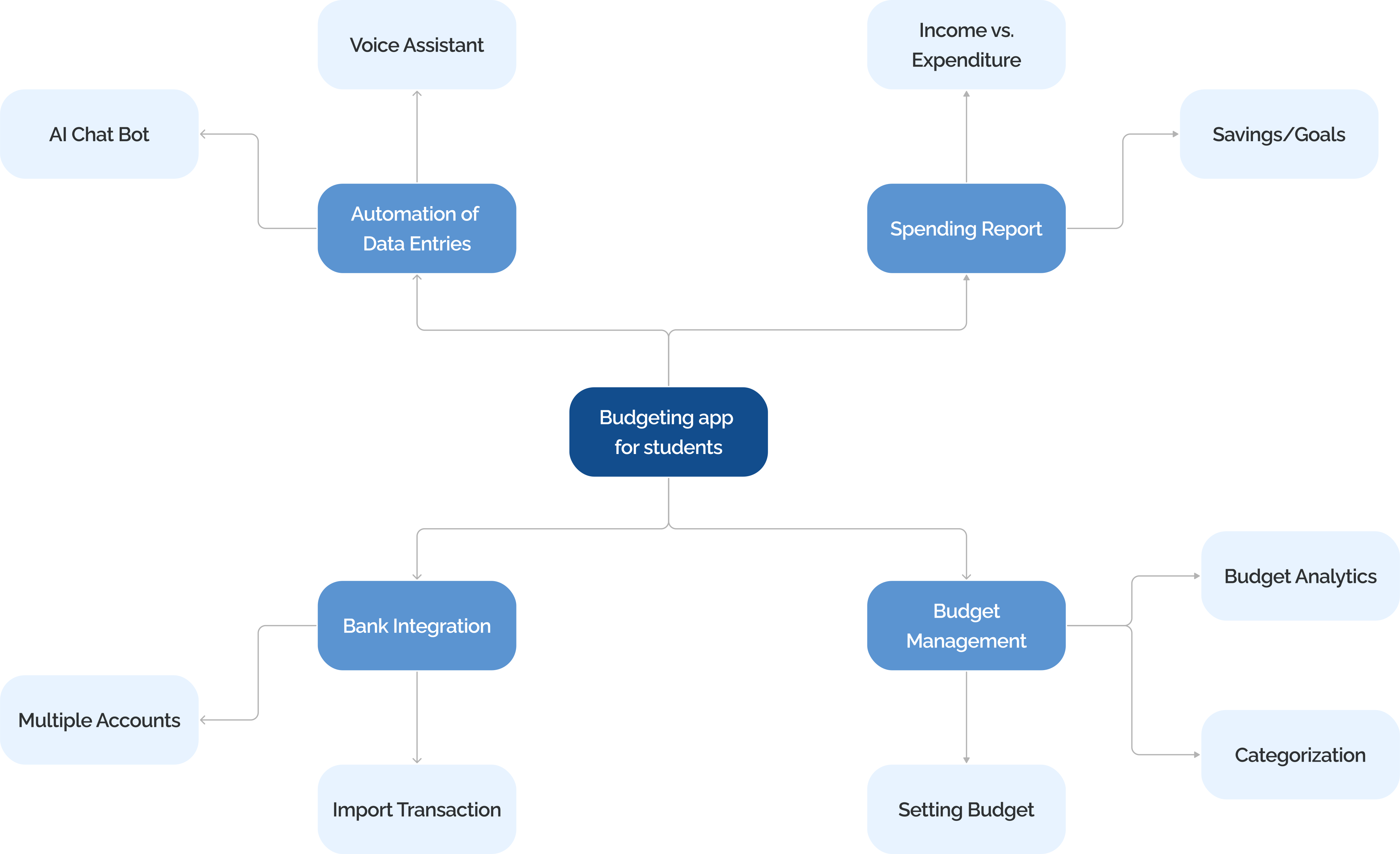
I ran an open-ended ideation session rooted in the findings. Using mind mapping, I explored every pain point and generated feature ideas around them.
Testing the initial concept
I tested our low-fidelity prototype with 8 students from varied backgrounds and received crucial feedback that helped me refine the design.






The feedback was exactly what we needed to move forward with confidence. Testing revealed both quick fixes and some fundamental shifts that shaped the path to final design.
Final design
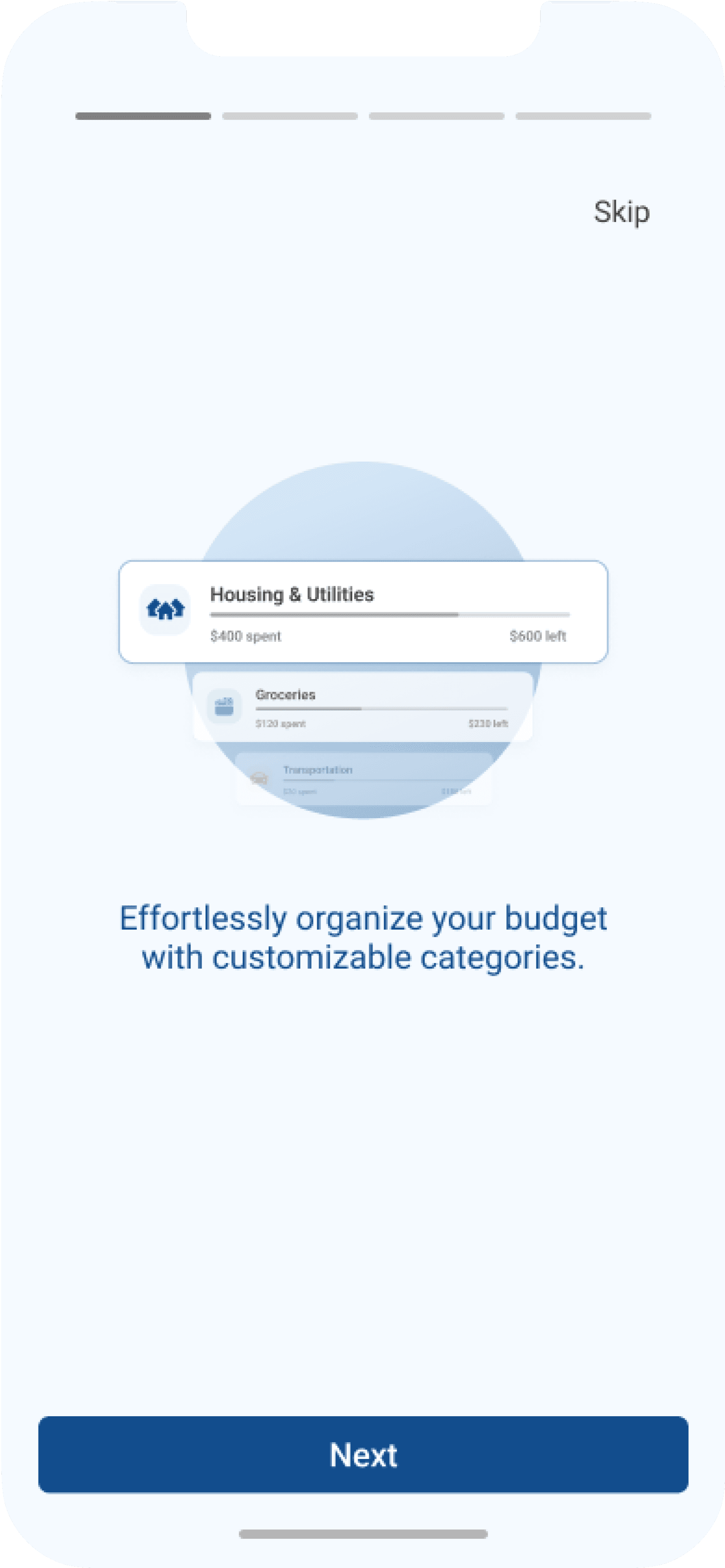
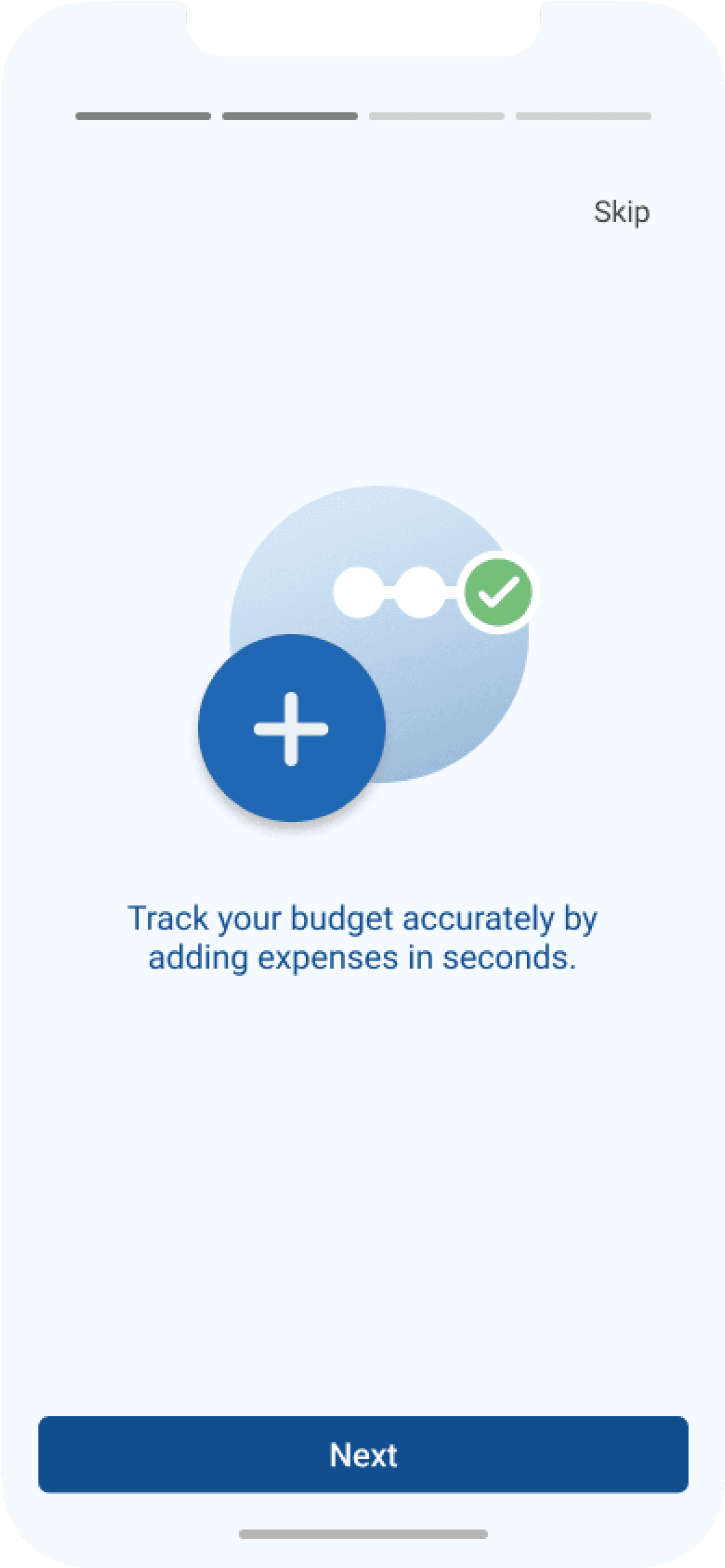
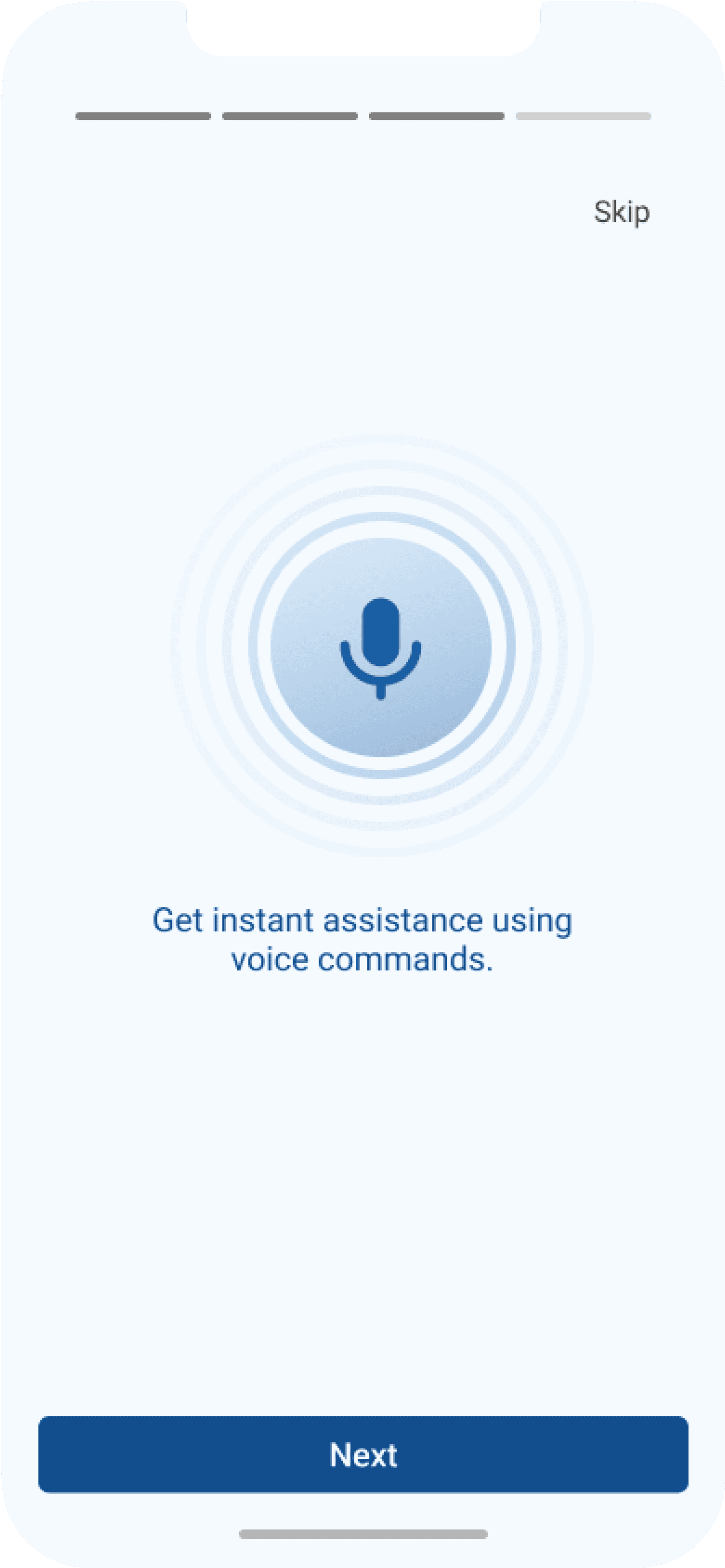
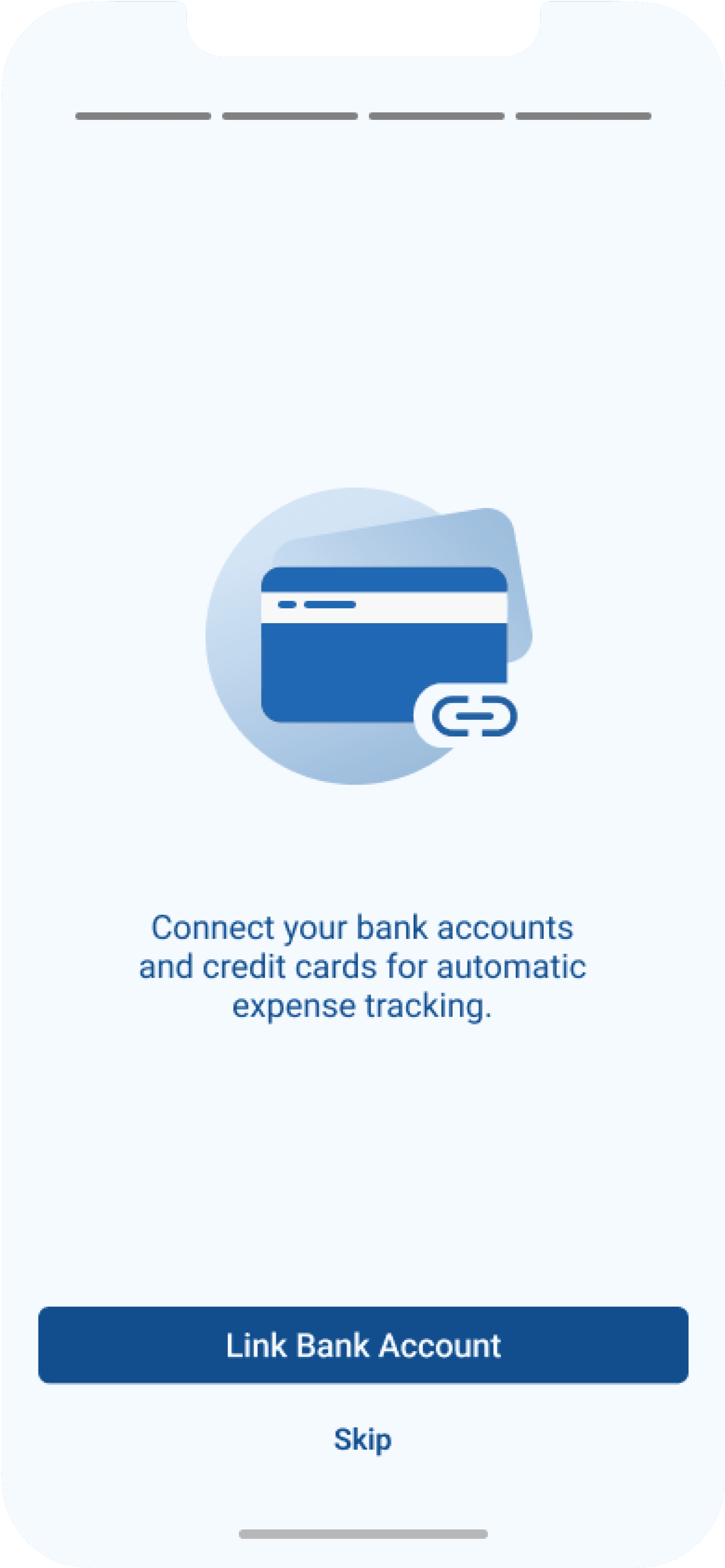
Onboarding

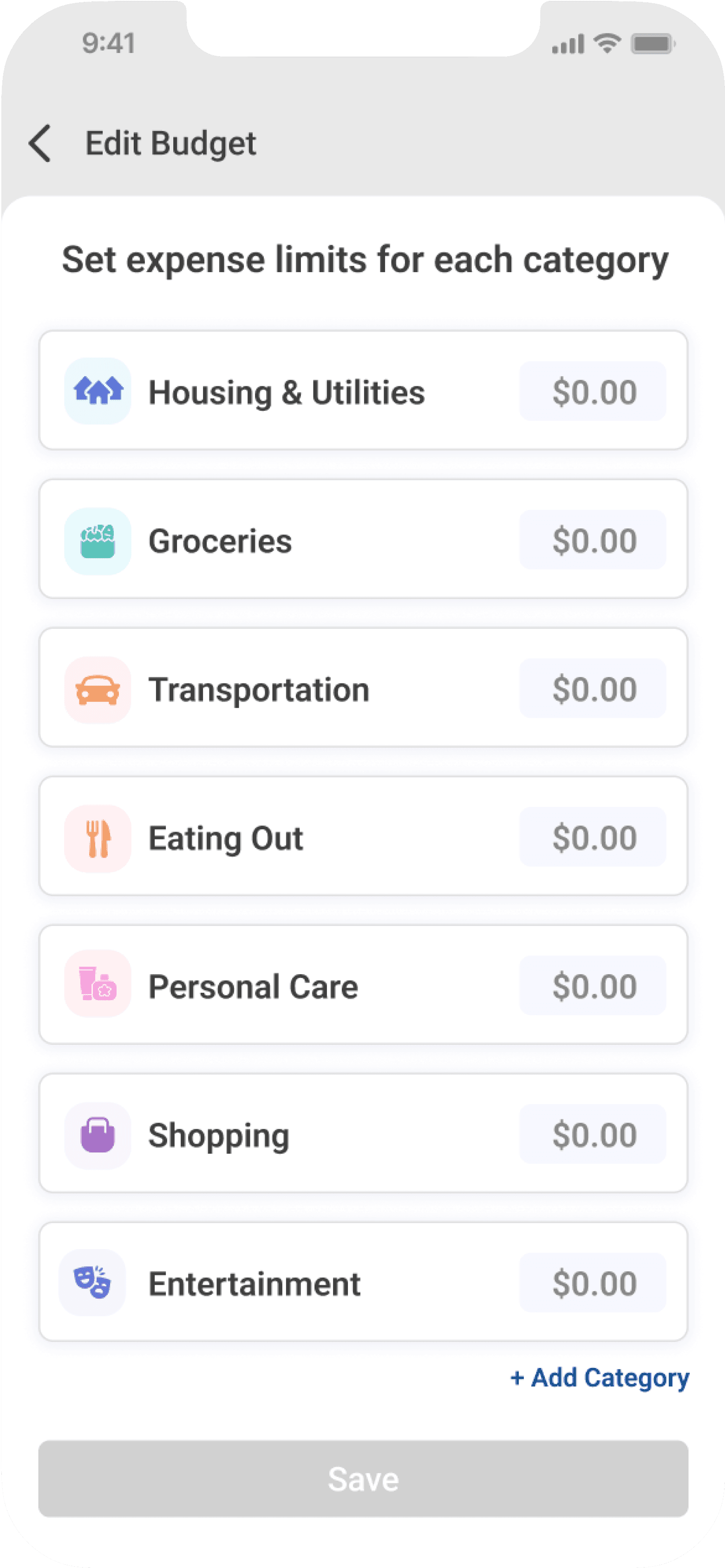
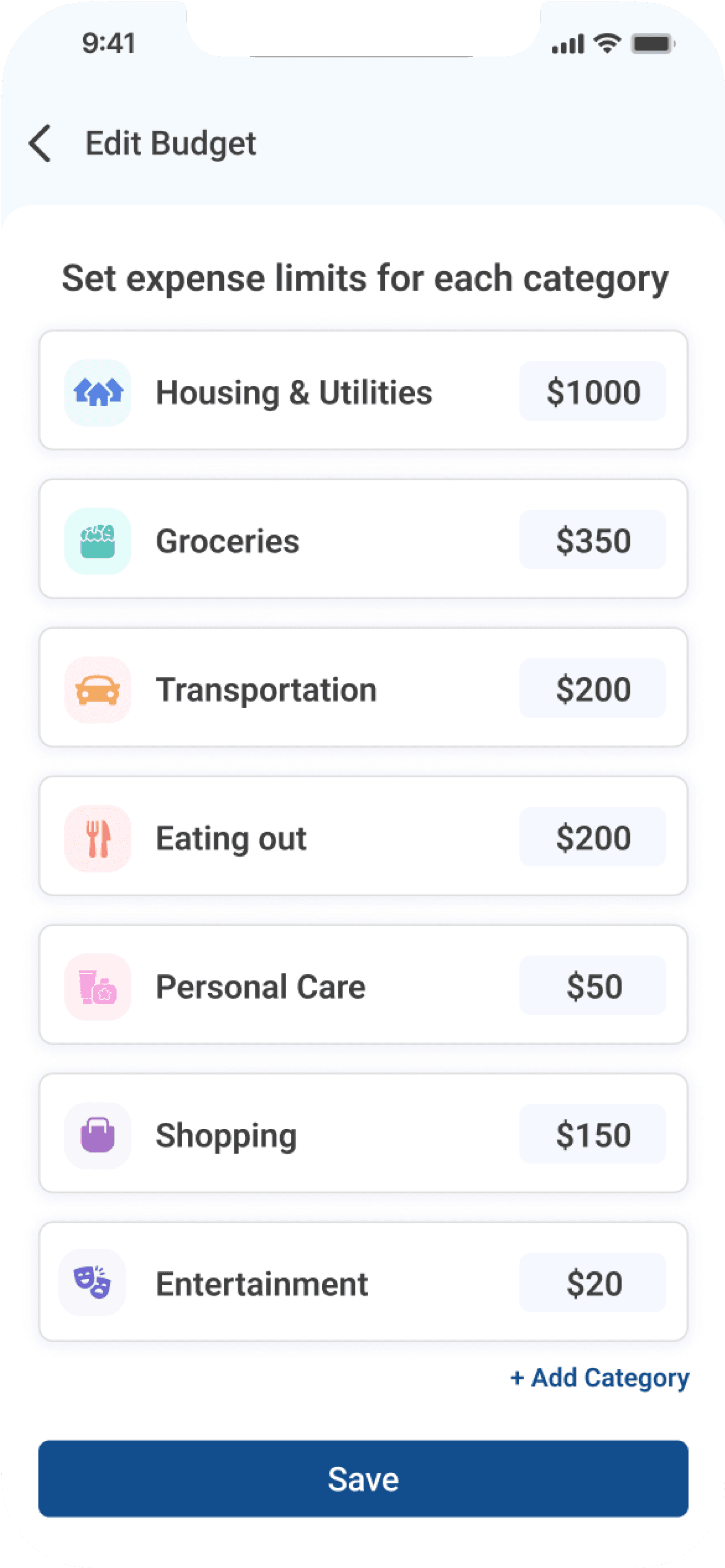
Budget setting and tracking
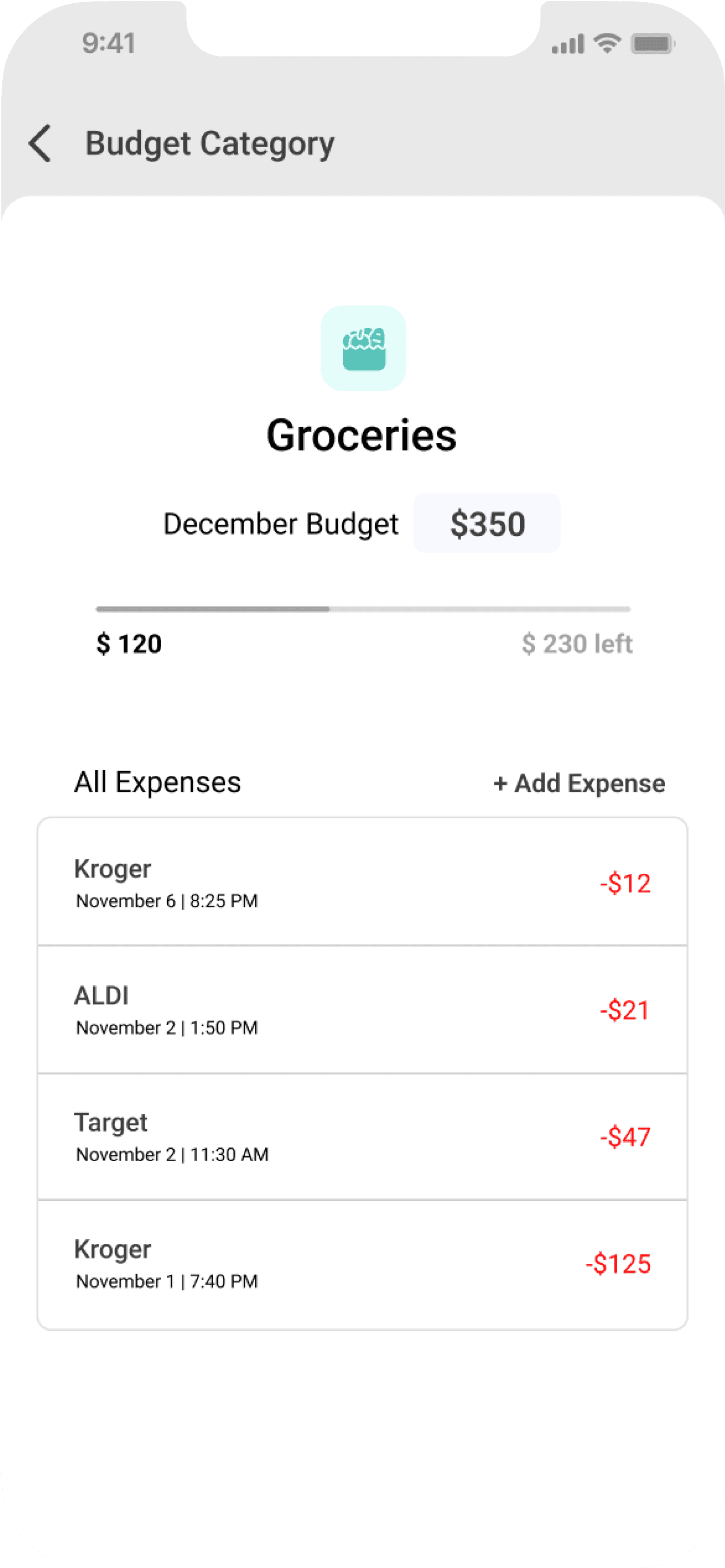
Transaction logs

AI assistance
Observed impact
I tested the final prototype with 10 students through moderated usability sessions. Each participant was asked to complete key tasks, like setting up a monthly budget, reviewing expenses, and interacting with the AI assistant. I followed this with short interviews and a questionnaire that measured satisfaction, clarity, and ease of use on a 5-point scale. This helped me capture both observed behavior and self-reported feedback to understand the overall usability of the design.
+46% boost
Budgeting confidence
Before PennyPal
2.8/5
After PennyPal
4.1/5
Financial stress
Before PennyPal
High
After PennyPal
Low
+44% increase
User satisfaction
Before PennyPal
3.2/5
After PennyPal
4.6/5
What users valued
Faster expense logging through quick-access features
Simplified navigation through a clear and intuitive UI
Reduced financial stress by enabling budget adaptability
What I learned
Talking to users showed me that budgeting isn't just about numbers. It's about the emotional weight behind those numbers.
The research process reminded me that good questions matter just as much as good solutions. It also reinforced the need to let go of assumptions and follow what real feedback reveals.